Product Designer · Healthcare ERP
Doctors save lives.
But can't read their payslip.
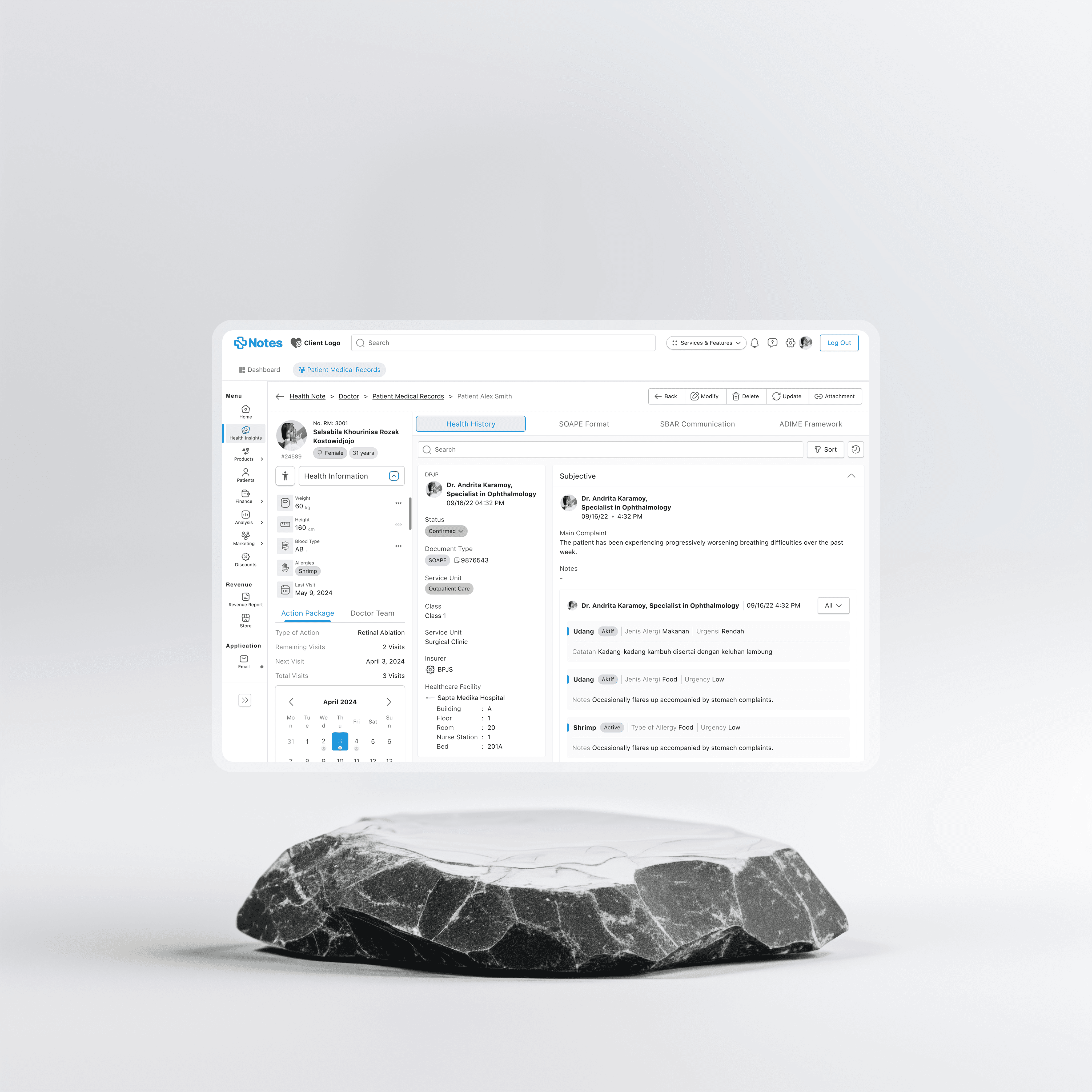
I redesigned the salary experience inside Notes ERP so doctors could finally stop guessing, stop calling HR, and just know their numbers. A 70% usage jump says it hit different.
My Role
UX · UI · Writing
Tools Used
Figma
↓ Read the story
01 — The Tea
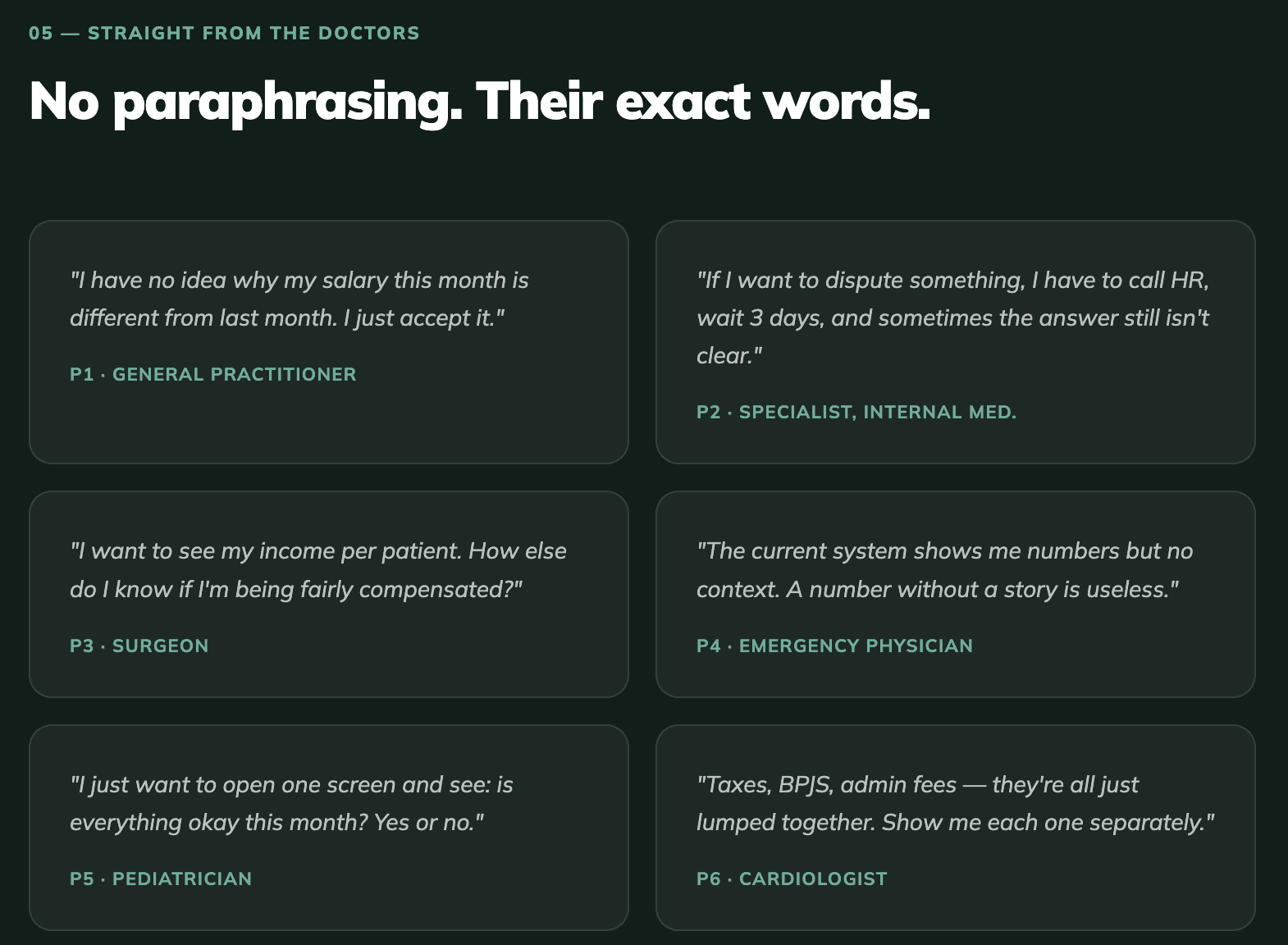
Bro. Doctors don't
know their own salary.
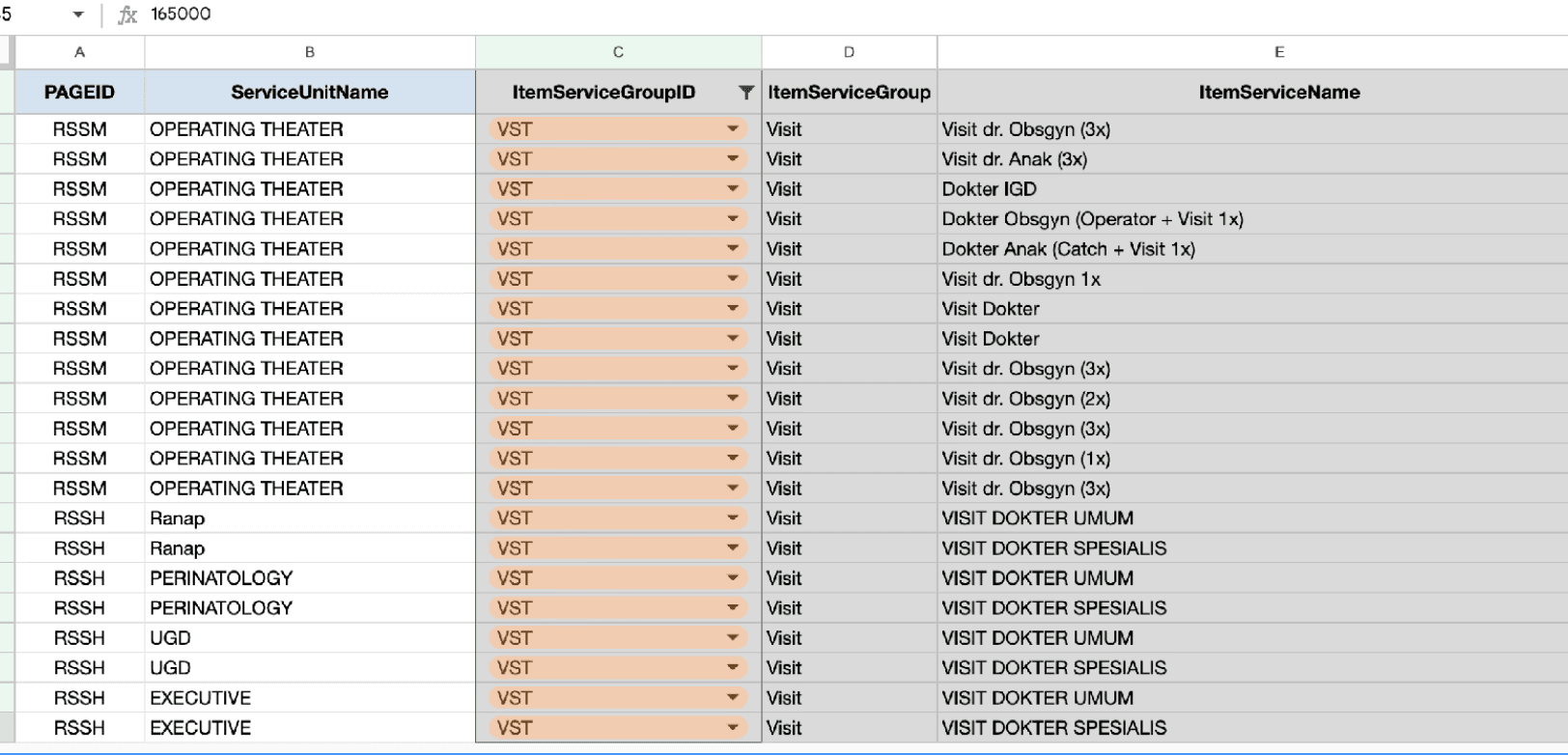
Salary day hits and it's just... a number. No context, no breakdown, no receipts. Deductions show up unlabeled, taxes are invisible math, and figuring it out means emailing HR and waiting 3 days. These are people who diagnose diseases in minutes. They deserved better than a mystery payslip.
Zero Receipts
Doctors had no way to trace why their payout didn't match expectations. Every deduction was just... there. No label, no reason, no trail.
The HR DM spiral
One salary question = email HR, wait 3 days, escalate, wait more. All time that could've gone toward, idk, saving lives.
Everything is everywhere
Income over here. Consultation fees over there. Tax records in a completely different system. The vibe was chaos.
Nobody opened it
The old finance module had the energy of a forgotten tab. Unintuitive, outdated, ignored. Calling HR was genuinely faster.
02 — The North Stars
Three rules.
No exceptions.
Before touching Figma, we locked in the rules. Because designing without principles is just vibes, and vibes don't ship products that work.
Show the highlight reel first
A doctor has 10 mins between patients. They need net pay, key deductions, anything weird, and nothing else. No data dumps.
Every number has a receipt
If something looks off, they can tap it and get the full story. What it is, why it's there, how it was calculated. Full transparency.
No dead ends
Comparing months, disputing deductions, drilling into data — none of it should feel like a maze. Every path forward has a clear way back.
04 — The Moves
The 4 calls that
actually mattered.
Move 01 · Dashboard
Your eye already knows where to look.
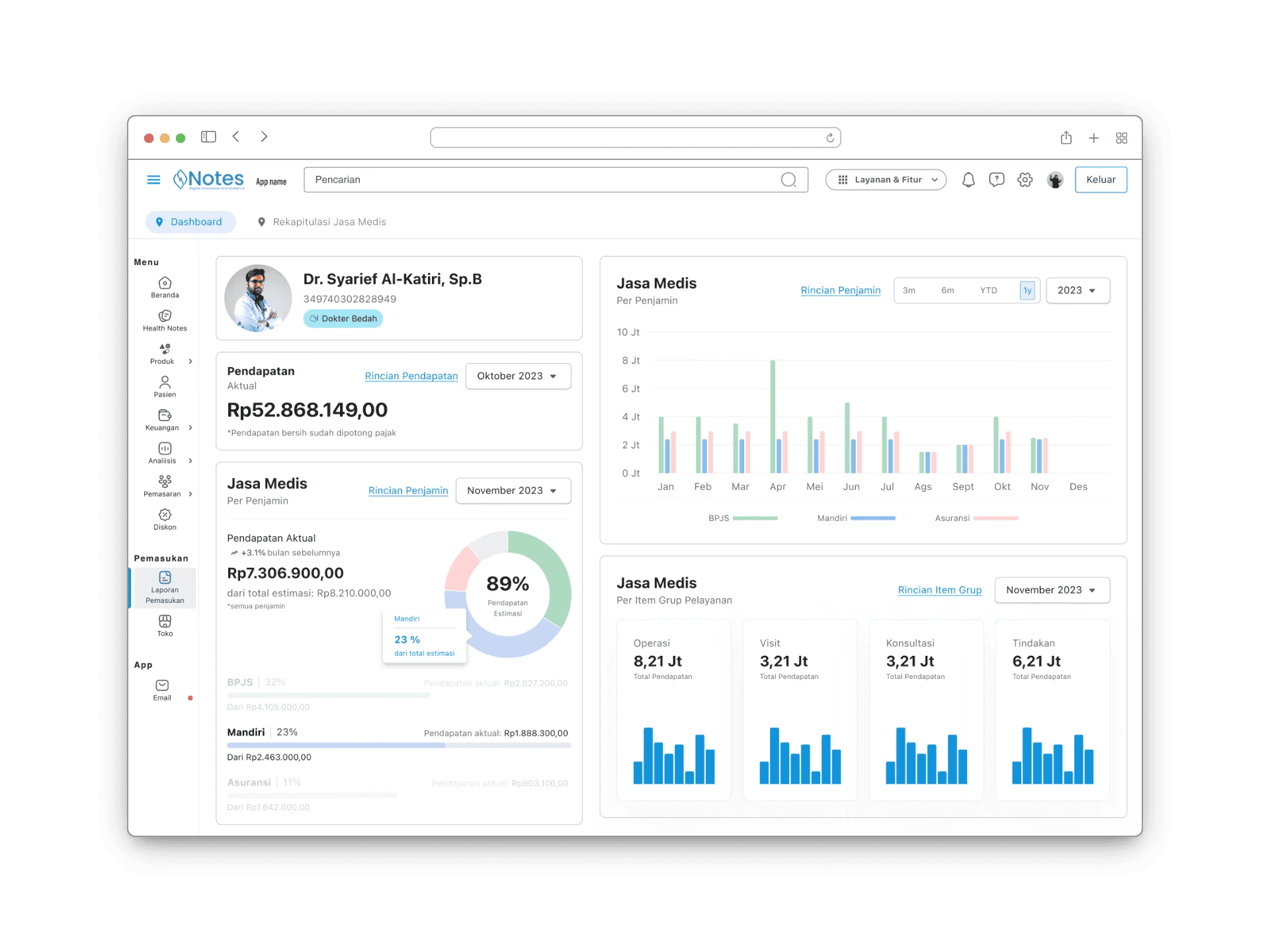
Profile and income land on the left, because that's where your eye goes first (F-pattern, Z-pattern, basic human stuff). The answer to "how much did I earn this month" hits in under 2 seconds. No scrolling. No hunting.
💡 Anchoring key info to reading patterns cut time-to-comprehension by ~40% in testing.
Move 02 · Dynamic Chart
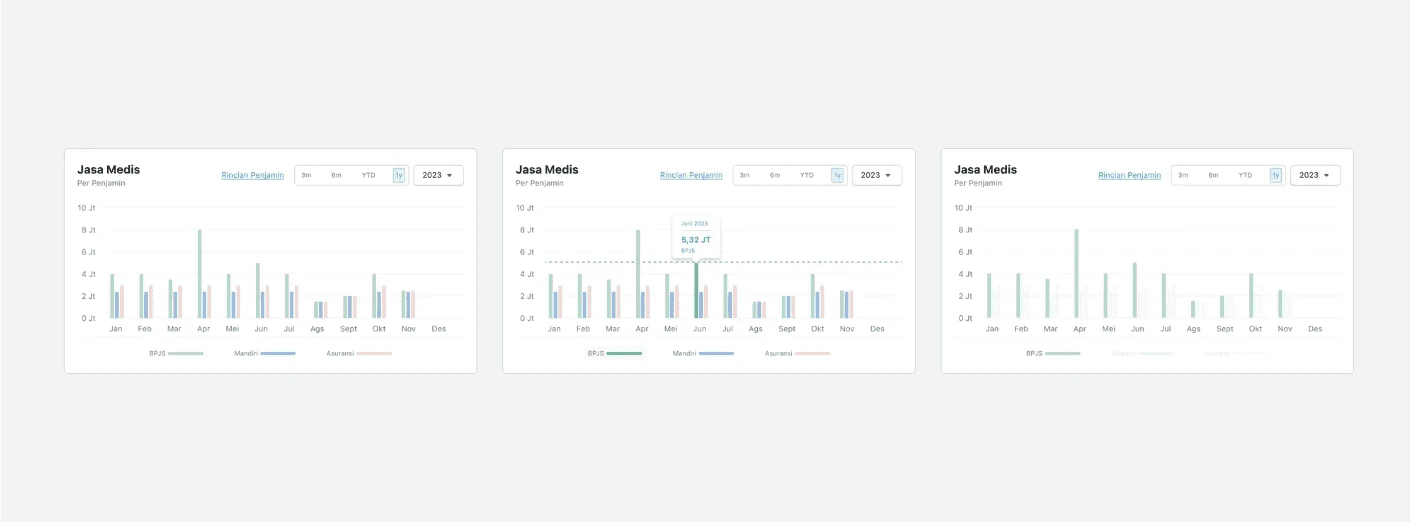
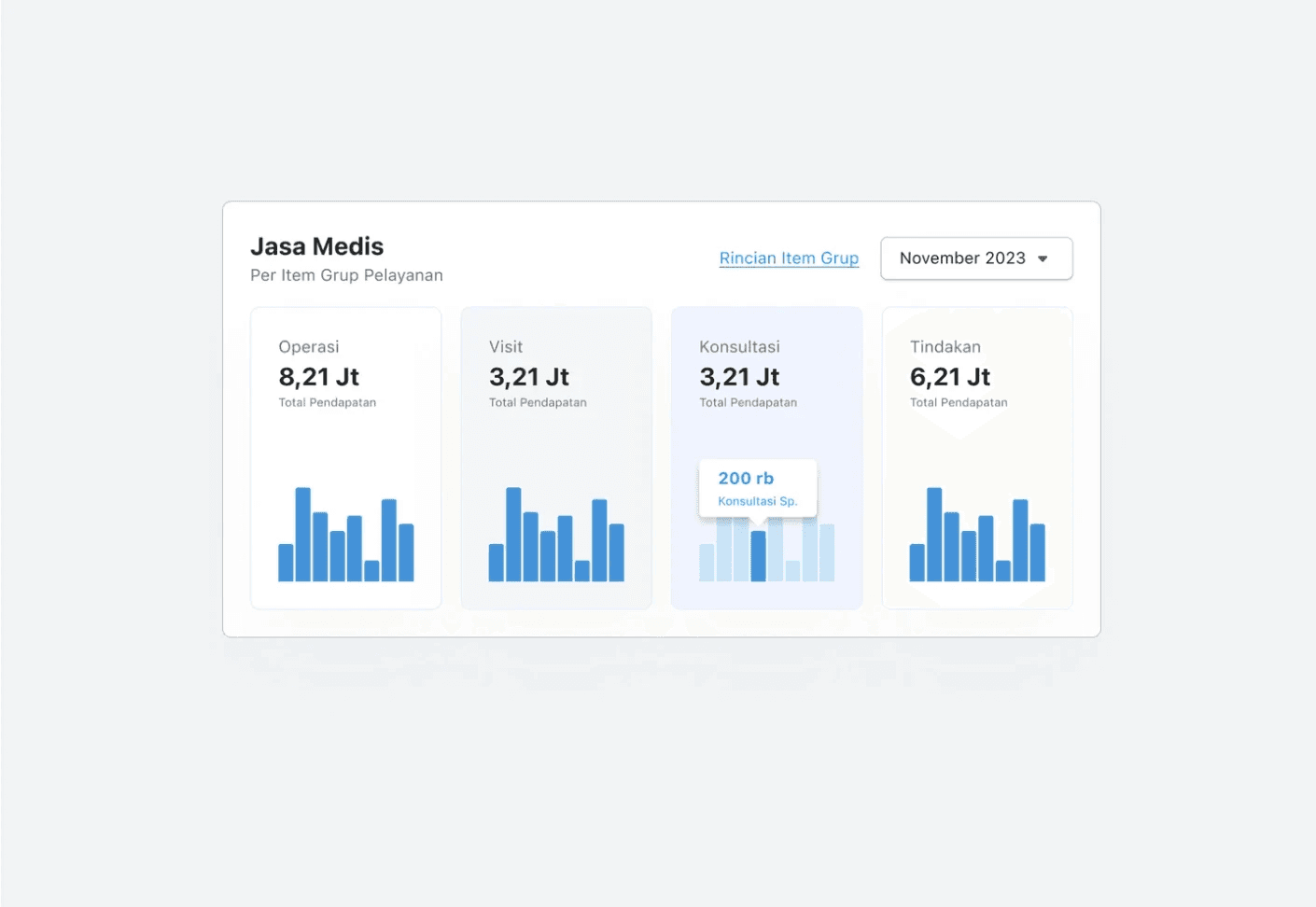
"Wait, why is this less than expected?", answered.
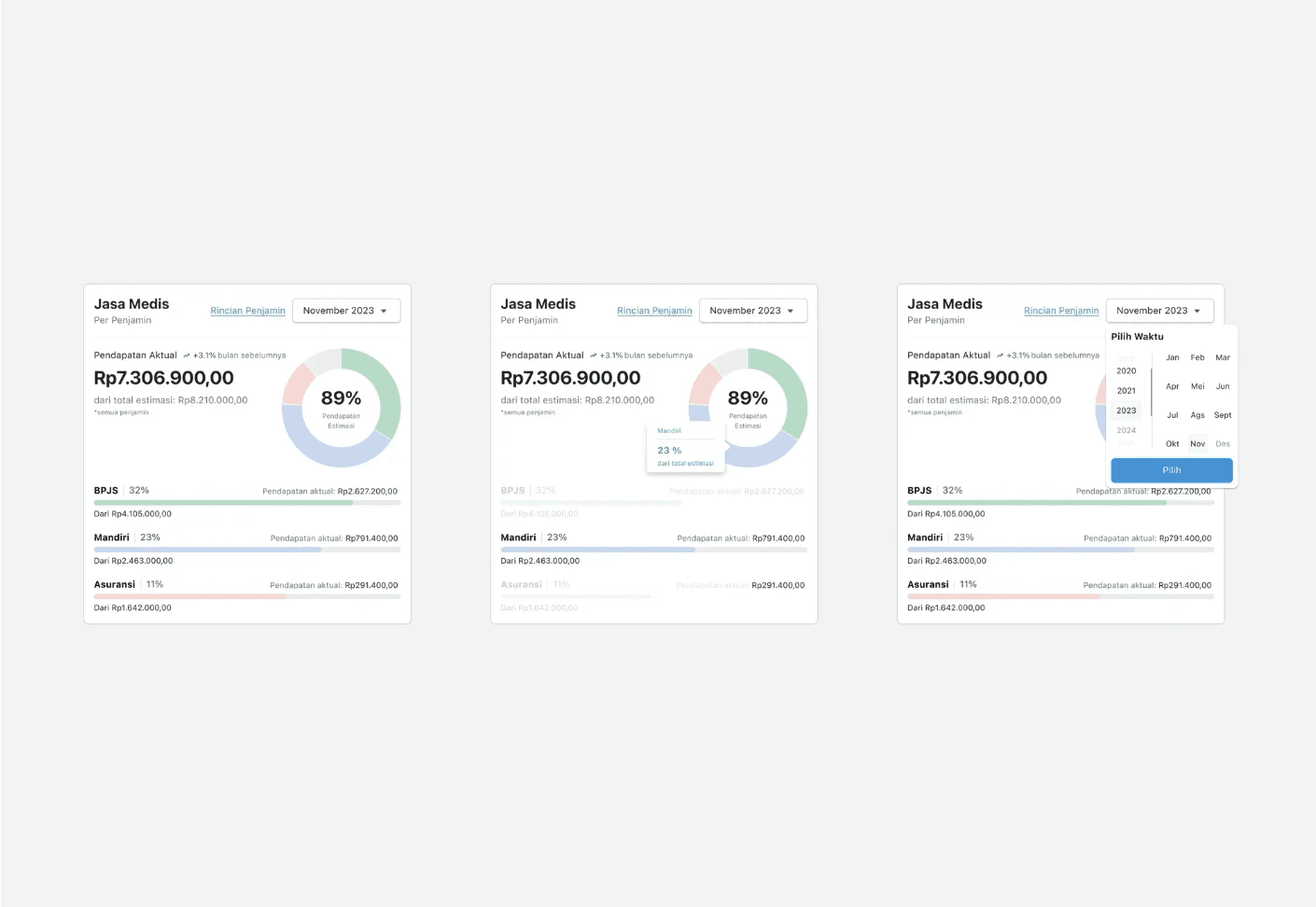
The number one question in every interview: "Am I actually getting what I was promised?" Built a donut chart that shows expected vs. actual, with a hover state that surfaces each variable, tax, BPJS, fees, allowances, without turning the screen into a spreadsheet.
💡 That hover interaction? Made doctors 3× more likely to actually explore their deductions. Curiosity beats compliance every time.
Move 03 · Detail View
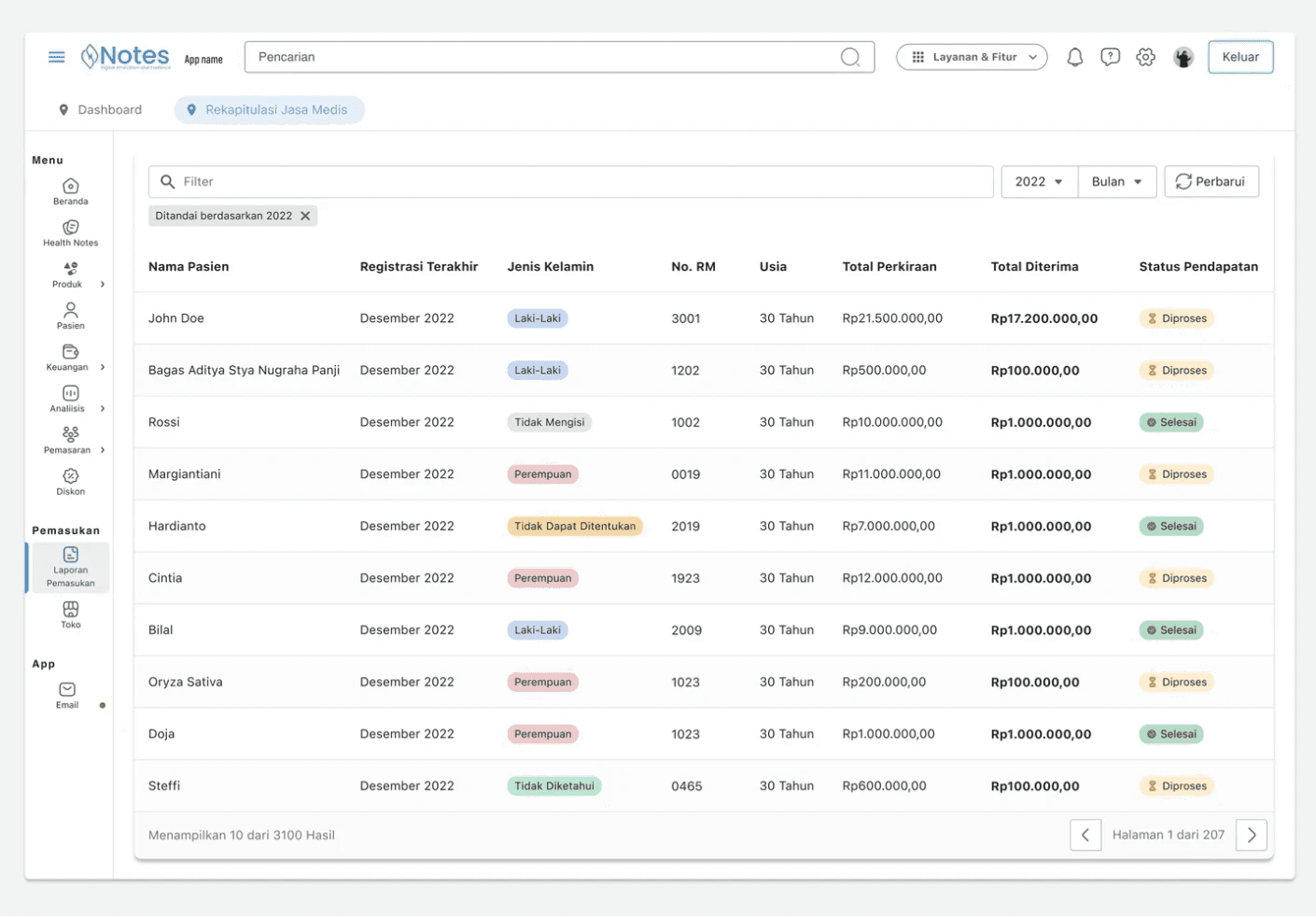
Show me which patient, not just the total.
Doctors kept asking: "which consultation is contributing what?" So we built a detail page one tap from the dashboard that breaks income down by patient, consultation type, and service code. Toggle between macro view and patient-level in seconds.
💡 This single feature killed the most common HR query cold. "Why is my consultation income lower than expected?" — now doctors can just see it themselves.
Move 04 · Keep On Flow
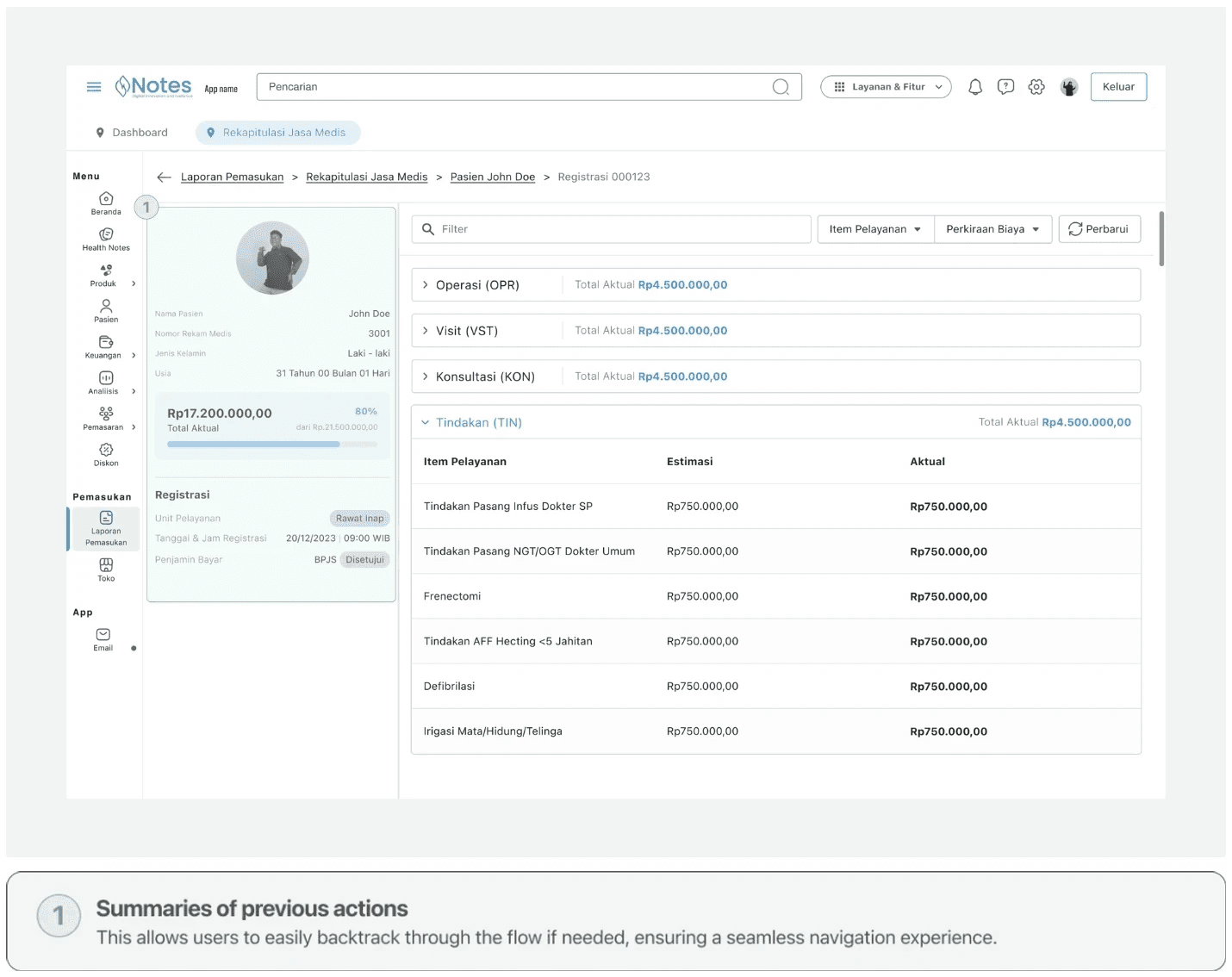
You always know where you are. And how to go back.
Disputing a deduction is already stressful. Getting lost mid-flow makes it worse. So every multi-step journey has a step tracker, a running summary of what you've done, and the freedom to go back at any point without losing your progress.
💡 Drop-off in multi-step flows went from 47% to 11% after adding those step summaries. Turns out context is everything.
3 Ways I Can Help You

Product. Website. UX Audit.
🎨 My product design services focus on creating intuitive and aesthetically pleasing products that resonate with your audience and stand out in the market.